In this view, multiple data phrases are illustrated in a tabular format. Therefore, the list view is also the "Standard view" in every module.
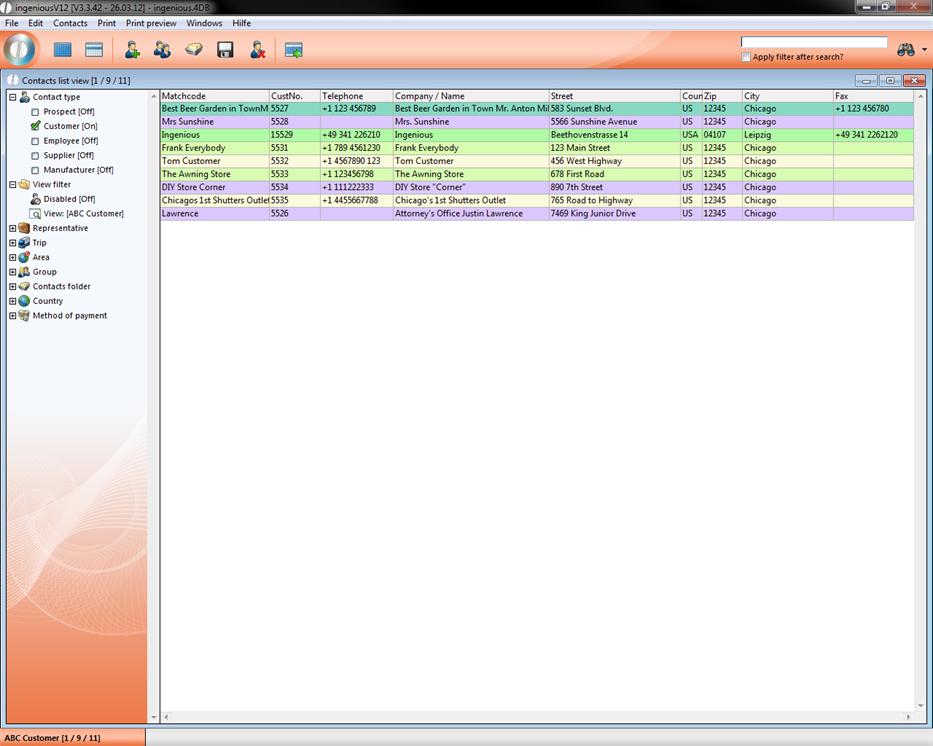
List view in the "Contacts" module
Every list view consists of two parts. They are the list view for the display of the data phrases and the selection area for the selection of the data phrase in the display.
List area
In order to always be able to see all data records, a so-called “scroll bar" is included in the list area. These can be simply clicked and moved around in order to be able to move the visible range. The sorting of data records can be executed with a click on the header of the respective column. With each repetition the data records are sorted in ascending or descending order.
Selection area
In the selection area, filters are given, after which the data records within the list range can be indicated. In each file there are different filter possibilities that are represented by an icon. In order to open a file, click on the small plus in front of the file in order to close it to the small minus.
In order to use a filter, is sufficient to click on the icon with your mouse. Through filtering one separates “The chaff from the wheat”, so to speak. If one selects the supplier filter in the “Contacts” module, then only contacts who are suppliers appear, etc.
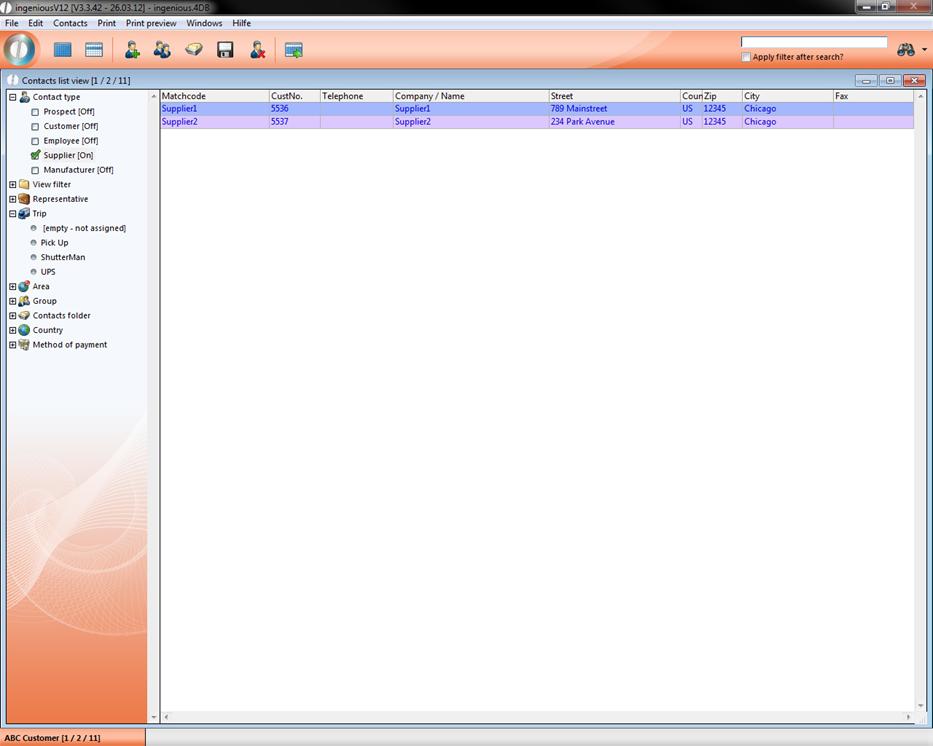
List view in the "Contacts" module with active supplier filter
The filters such as purchasing in the “Selection” areas of the workflow module are a little more complex. Here one can switch several filter combinations on and off.
With the view filters, one can filter all orders, for example, for one specific period of time. Simply double-click on the calendar icon  and a calendar will appear, in which you can select the start and/or end of the time period.
Now you only have to update the switch button to refresh the view.
In the list view, you can select multiple or all data records with the click of a mouse. All subsequent activities are then limited to these data records. This is significant when printing lists for example.
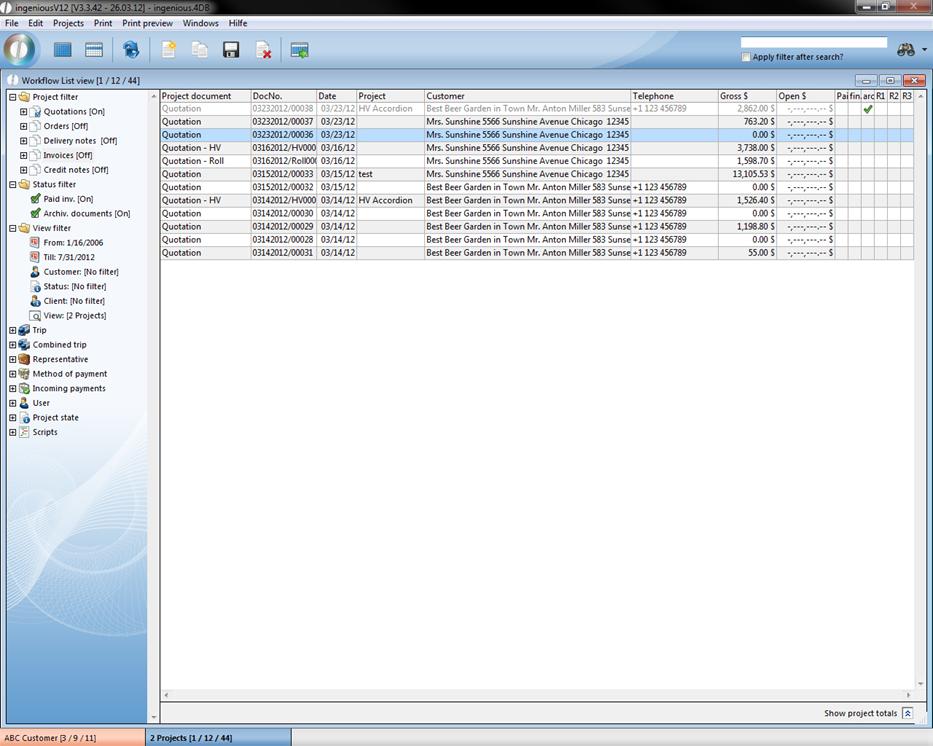
List view with selected data record
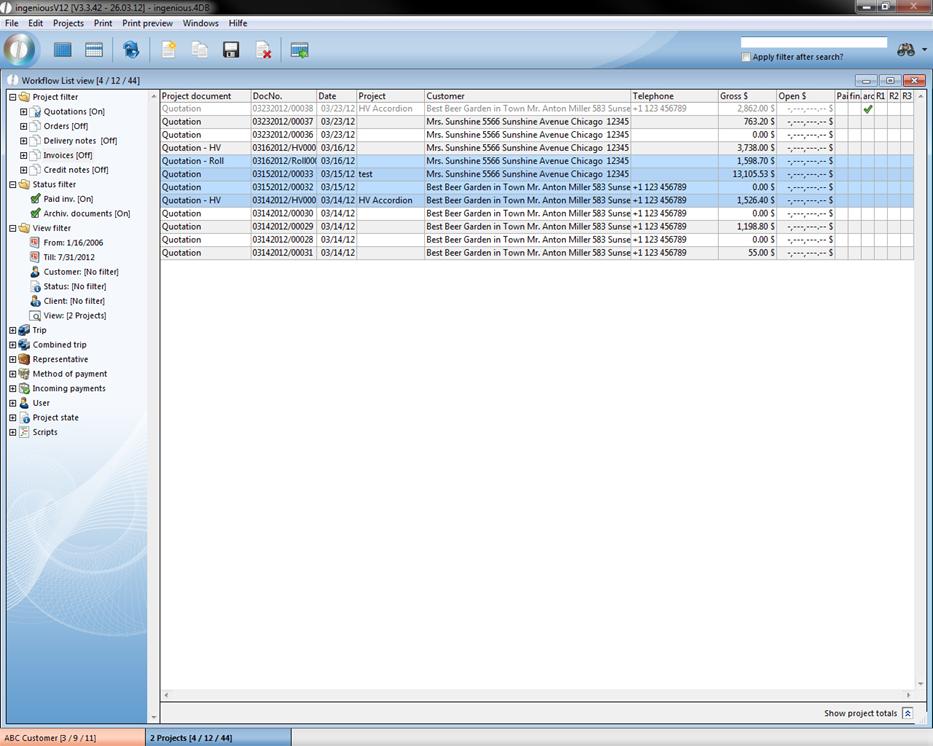
List view with multiple selected data records